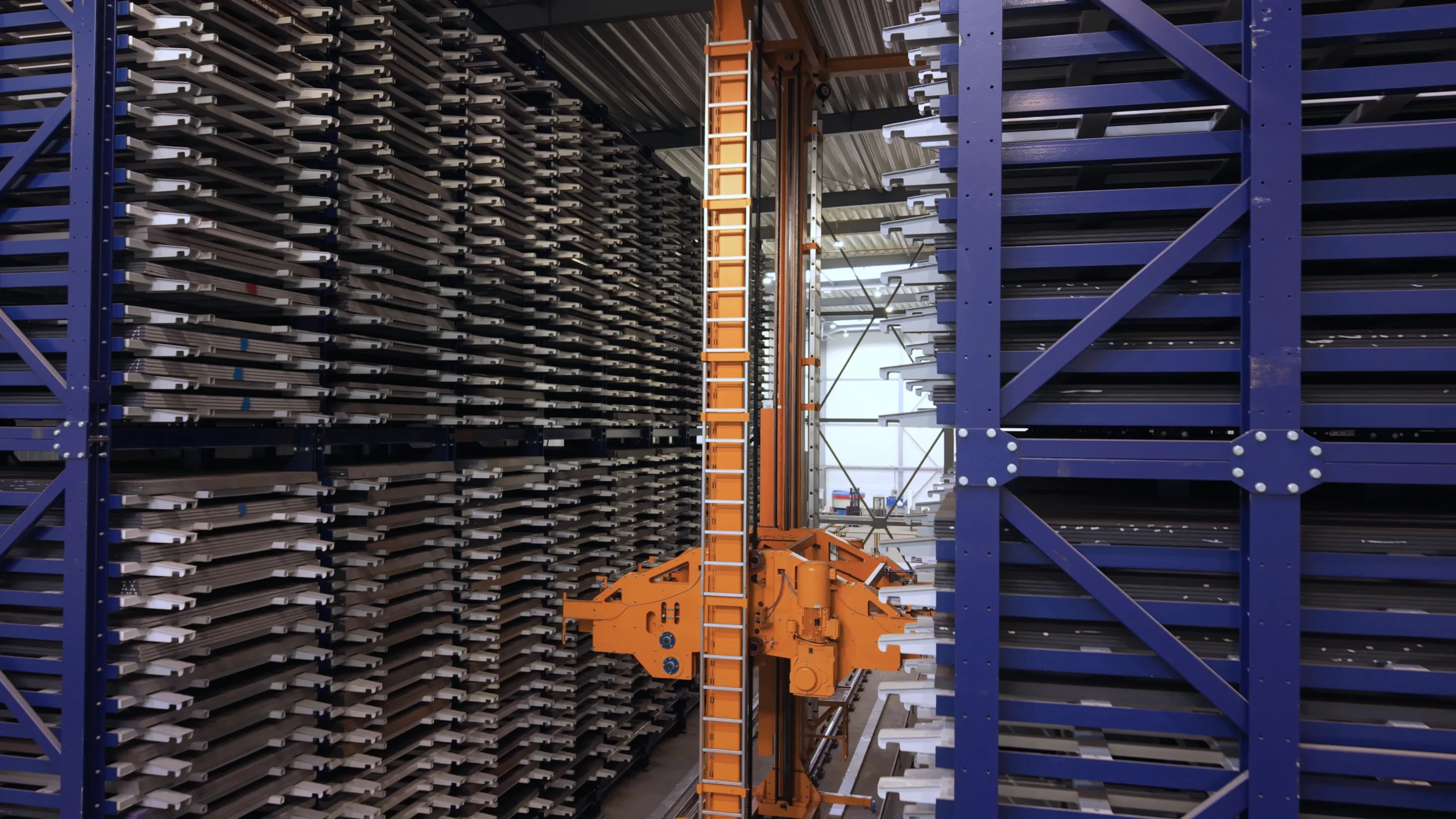
Sheet metal storage and laser automation with SmartFlow System
The second stage of automation at Metaltech-Piasecki: a sheet metal storage system with a load capacity of over 2,000 tons, connected to two Bystronic laser cut…
Central management laser production
Flower Pro plans and coordinates laser production, connecting tasks, material, the automated storage system, transport automation and laser cutters. The system answers the question of what is to be cut, from what material and on which machine, and then makes sure the material actually gets there.
Flower Pro works well where many lasers, a storage system and automation need a shared plan
With one laser cutter, the queue can still be managed by hand. With several machines connected to an automated storage system, the production plan, material availability and automation work start to drift apart: each element works fine on its own, but nobody sees the whole picture.
Sounds familiar?
We tie together the plan, material, storage, automation and laser cutters
Flower Pro is not a general-purpose MES for the whole factory. It is a system that plans tasks for many laser cutters and at the same time knows what material is in the automated storage system and whether the automation can deliver it on time.
From production demand to accounted production
Flower Pro takes an order through six steps. At each of them, the system knows what material is needed, which machine will do the job and whether the automation can deliver it on time.
Production demand
The demand comes into Flower Pro from the customer's ERP system or is entered directly. The system knows what has to be made and by when.
Production task
The demand turns into a specific task with an NC program, an assigned priority and a place in the queue.
Material and reservation
Pro checks in Flower Store whether the required sheet is available and reserves it for the task before production starts.
Laser cutter selection
The task goes to a machine that can do it, taking into account the load on the other lasers and the order sequence.
Transport automation
The system tells the automation to deliver material to the laser cutter table and collect it after cutting.
Execution and accounting
After cutting, the completion status, the material consumed and the place where the sheet or usable scrap went are recorded.
Many machines, one material flow and one plan
Flower Pro plans the work of all laser cutters in the system, while keeping track of material availability, priorities and traceability of completed production.
Planning for many laser cutters
A shared queue for all lasers in the system, with a view of each machine's load.
Material availability
Linking tasks with the actual stock in the automated storage system, so the plan is not based on material that is not there.
Priorities and changes on the fly
Changing the order sequence, with the effects on other tasks and machines recalculated.
NC programs
Linking tasks with cutting programs prepared in CAD/CAM, without manually moving files to the machine.
Execution statuses
A live picture of what is waiting in the queue, what is being cut and what has already been done.
Production traceability
A record linking the order, the sheet used, the machine and the time of execution.
The same plan is seen by the shop floor and the office
The operator works on the panel at the laser cutter and sees their own task queue. The planner, process engineer and production manager use the same data in the browser to plan the work of all machines.
Who works with Flower Pro?
Flower Pro plans production together with storage and automation
Pro is part of the Flower platform. It takes material data from Flower Store, exchanges production data through Flower Link and hands physical execution over to Baumalog automation.
Flower Store: material and storage
Pro checks sheet availability, reserves material for tasks and reports consumption after cutting.
Flower Link: ERP and CAD/CAM
Link brings in orders from the ERP system and programs from CAD/CAM, and sends back completion confirmations afterwards.
Flower Plan: the smaller version
Where there is one laser cutter and no need for central planning, the same work is organized by Flower Plan.
Baumalog automation
The system orders material transport to the laser cutter table and collection after cutting, using the automation connected to the storage system.
The overview below shows what Flower Pro is responsible for and what the other modules of the platform do:
| Flower Pro is responsible for | Flower Pro does not cover |
|---|---|
| Laser production planning and queuing | The role of a general-purpose MES for the whole factory |
| Linking tasks with material and storage | Keeping the item master and stock levels: this is the scope of Flower Store |
| Coordination of many laser cutters and transport automation | Replacing the ERP system or the CAD/CAM environment |
| Execution statuses and traceability | Direct data exchange with customer systems: this is the scope of Flower Link |
See our realizacje
Flower Pro coordinates laser production in Baumalog systems of various sizes: see selected projects.
The second stage of automation at Metaltech-Piasecki: a sheet metal storage system with a load capacity of over 2,000 tons, connected to two Bystronic laser cut…
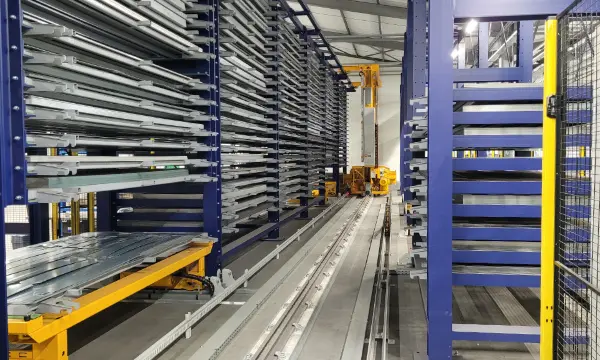
SmartFlow System serving two TRUMPF laser cutters with a MultiTower automated storage system at Netecs.
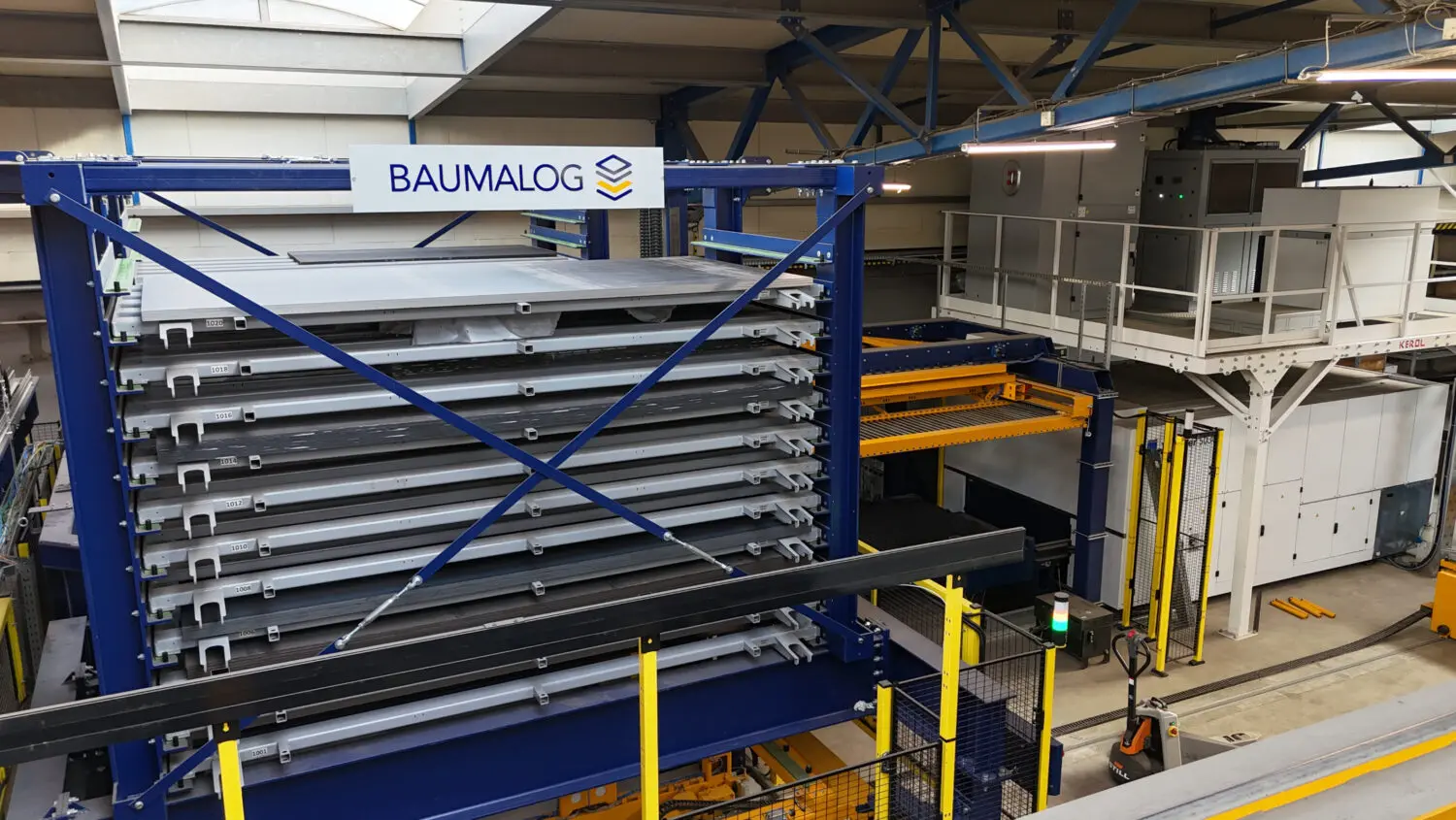
Automation of two TRUMPF laser cutters using Loader 3015 and MultiLoader systems with a TwinTower automated storage system at Marbo Sport.
We design and implement systems for Industry 4.0
"Our systems support companies on their path of development in the digital revolution. Each of our solutions connects the physical functionality of machines with the virtual space, enabling simple, fast and efficient operation."

Marcin Kozłowski
President of the Management Board, Baumalog
Tell us about your process
We will select a solution tailored to your production.
160+ installations
Trusted by manufacturing plants across Europe.