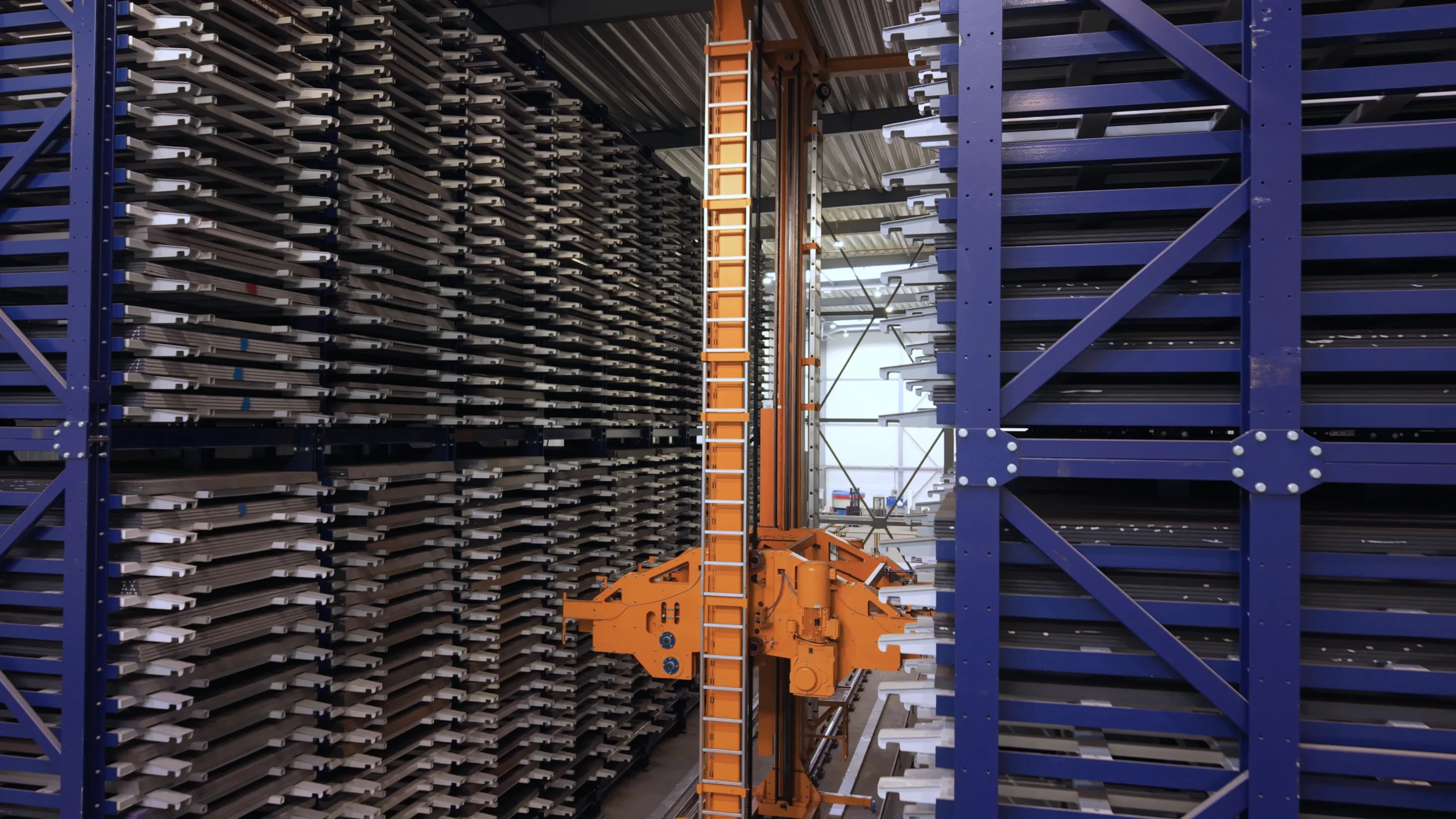
Sheet metal storage and laser automation with SmartFlow System
The second stage of automation at Metaltech-Piasecki: a sheet metal storage system with a load capacity of over 2,000 tons, connected to two Bystronic laser cut…
Integrating customer systems with Flower and automation
Flower Link connects ERP, MES, WMS and CAD/CAM with the automated storage system, laser production and Baumalog automation. Orders enter the system automatically, and confirmations come back only when the operation has actually happened.
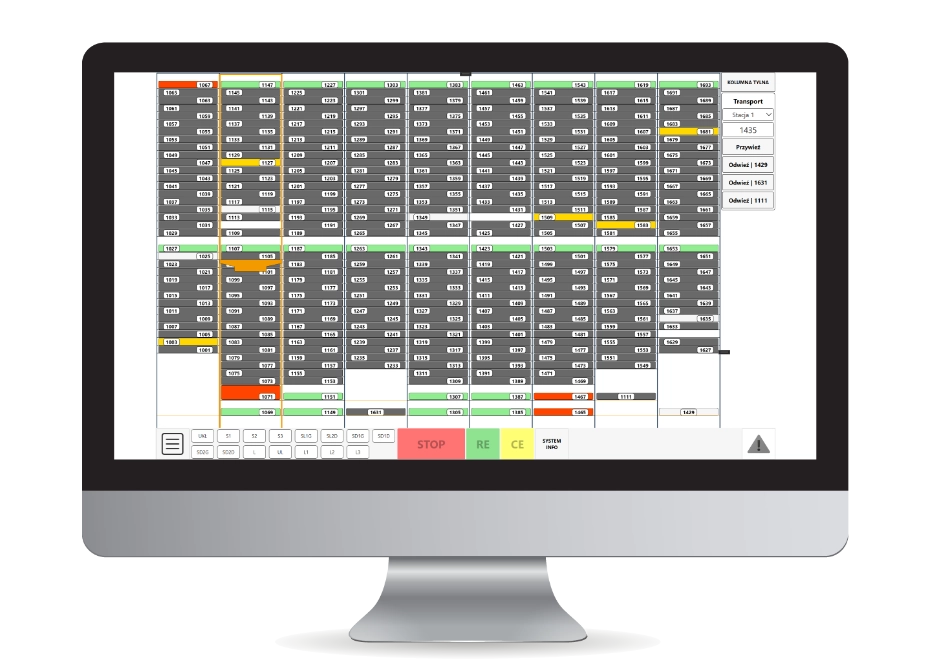
Flower Link works well where data is retyped by hand and systems do not confirm physical execution
An order is created in the ERP but reaches storage as a printout or a message. The operator retypes the data, production starts, and the customer's system still shows the state from a few hours ago. The gap does not come from a lack of systems, but from a lack of connection between them.
Sounds familiar?
Flower Link connects IT systems with the physical process Baumalog
Flower Link is not just an API. It is an integration layer that makes an ERP order end in a real operation in storage or on a laser cutter, and the system receives a confirmation based on what actually happened, not on what was planned.
From the system to the shop floor and back to the ERP
Data exchange is a closed loop. An order goes from the customer's system down to a physical operation, and the confirmation comes back only after it is done, so the ERP describes the actual state, not the intended one.
Customer system
The ERP, MES or CAD/CAM sends an order, program or material demand in a previously agreed format.
Flower
Link translates the data into the Flower model and passes it to the right module: storage, production planning or picking.
Physical execution
The automated storage system, laser cutters and transport automation carry out the operation on real material.
Return confirmation
Information about execution, material consumed and the new stock level goes back to the customer's system as a confirmation, not as an announcement.
Data that is transferred in both directions
Flower Link transfers more than orders. The exchange also covers stock levels, material data, completion confirmations and commands to the automation, in both directions.
Orders and tasks
Passing demand from the ERP or MES to Flower as ready tasks for storage and production.
Stock levels
Giving the customer's system up-to-date information about material available in the automated storage system.
Material data
Synchronizing indexes, grades, formats and units of measure so that both sides describe material the same way.
Completion confirmations
Feedback on completed operations, material consumed and task status.
Commands to automation
Sending commands to carry out specific storage and transport operations.
Documents and traceability
Transferring batches, certificates and material links so that the history is complete on both sides.
Integration works for the whole team
Flower Link is a joint project. The IT department and the integrator are responsible for connecting the systems, and process owners for making sure the transferred data matches how work is really organized in storage and production.
Who works on Flower Link?
Level one: what it means for the process
Integration with Flower changes the way the office, storage and shop floor exchange information about work to be done and work already done.
Orders reach Flower automatically
Demand from the ERP becomes a task in Flower without the planner or operator entering data by hand.
Material data is synchronized
Indexes, grades and formats are shared by the ERP and the storage system, so both sides are talking about the same material.
Confirmations go back to the ERP
After the operation is physically carried out, the customer's system receives information about material consumption and execution status.
A consistent process between the office and the shop floor
The office, storage and production work from one picture of the current state instead of agreeing on it by phone and e-mail.
Level two: protocols and how data is exchanged
Flower Link does not impose one way of connecting: the choice depends on what the system offers and how often data needs to be exchanged.
REST API
An interface for sending orders, retrieving stock levels and receiving confirmations in near real time.
XML and JSON files
Batch exchange where the customer's system works with exports and imports instead of a permanent connection.
SQL queries
Direct reading or writing of data in an agreed structure, when this mode is more convenient on the customer's side.
Dedicated adapters
A layer that translates the customer system's formats and dictionaries into the Flower data model, without rebuilding anything on the ERP side.
Agreeing data structures
Jointly deciding which fields, material indexes and statuses pass between the systems before the implementation starts.
Integration testing
Testing data exchange scenarios in a test environment, including unusual cases and error handling.
The overview below shows what Flower Link is responsible for and what stays with the customer's systems and other modules:
| Flower Link is responsible for | Flower Link does not cover |
|---|---|
| Exchange of orders, stock levels and confirmations | Replacing the ERP, MES, WMS or CAD/CAM |
| Data structure translation and adapters | Keeping the item master and stock levels: this is the scope of Flower Store |
| Commands to storage and automation | Laser production planning: this is the scope of Flower Pro |
| Integration testing and error scenarios | The role of a reporting or analytics layer for management |
See our realizacje
Flower Link connects customers' IT systems with Baumalog storage and production: see selected projects.
The second stage of automation at Metaltech-Piasecki: a sheet metal storage system with a load capacity of over 2,000 tons, connected to two Bystronic laser cut…
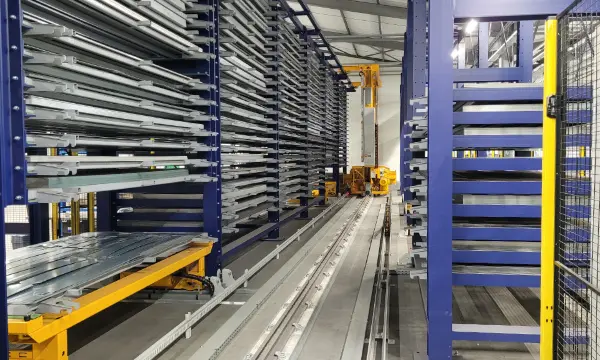
SmartFlow System serving two TRUMPF laser cutters with a MultiTower automated storage system at Netecs.
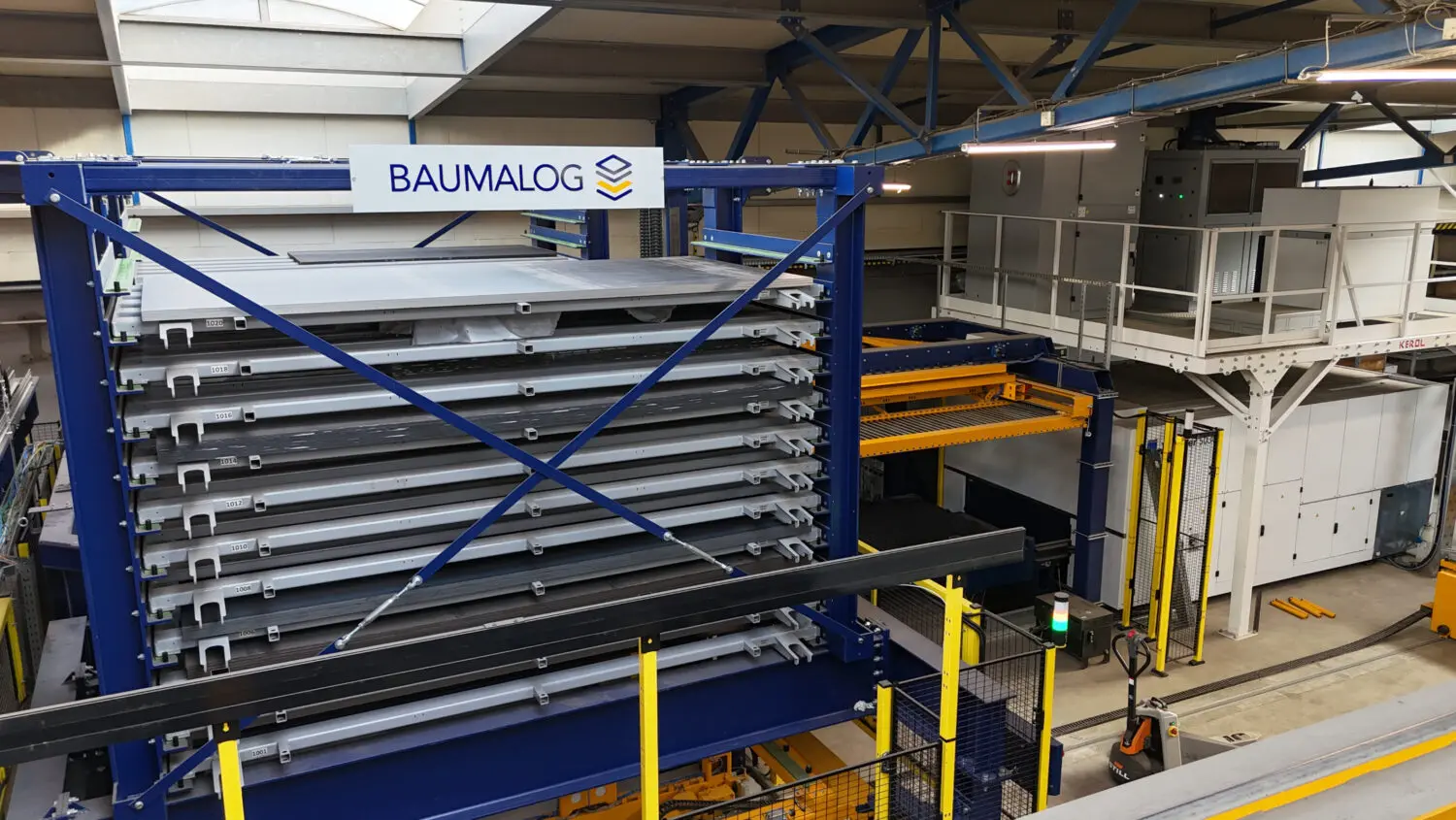
Automation of two TRUMPF laser cutters using Loader 3015 and MultiLoader systems with a TwinTower automated storage system at Marbo Sport.
We design and implement systems for Industry 4.0
"Our systems support companies on their path of development in the digital revolution. Each of our solutions connects the physical functionality of machines with the virtual space, enabling simple, fast and efficient operation."

Marcin Kozłowski
President of the Management Board, Baumalog
Tell us about your process
We will select a solution tailored to your production.
160+ installations
Trusted by manufacturing plants across Europe.