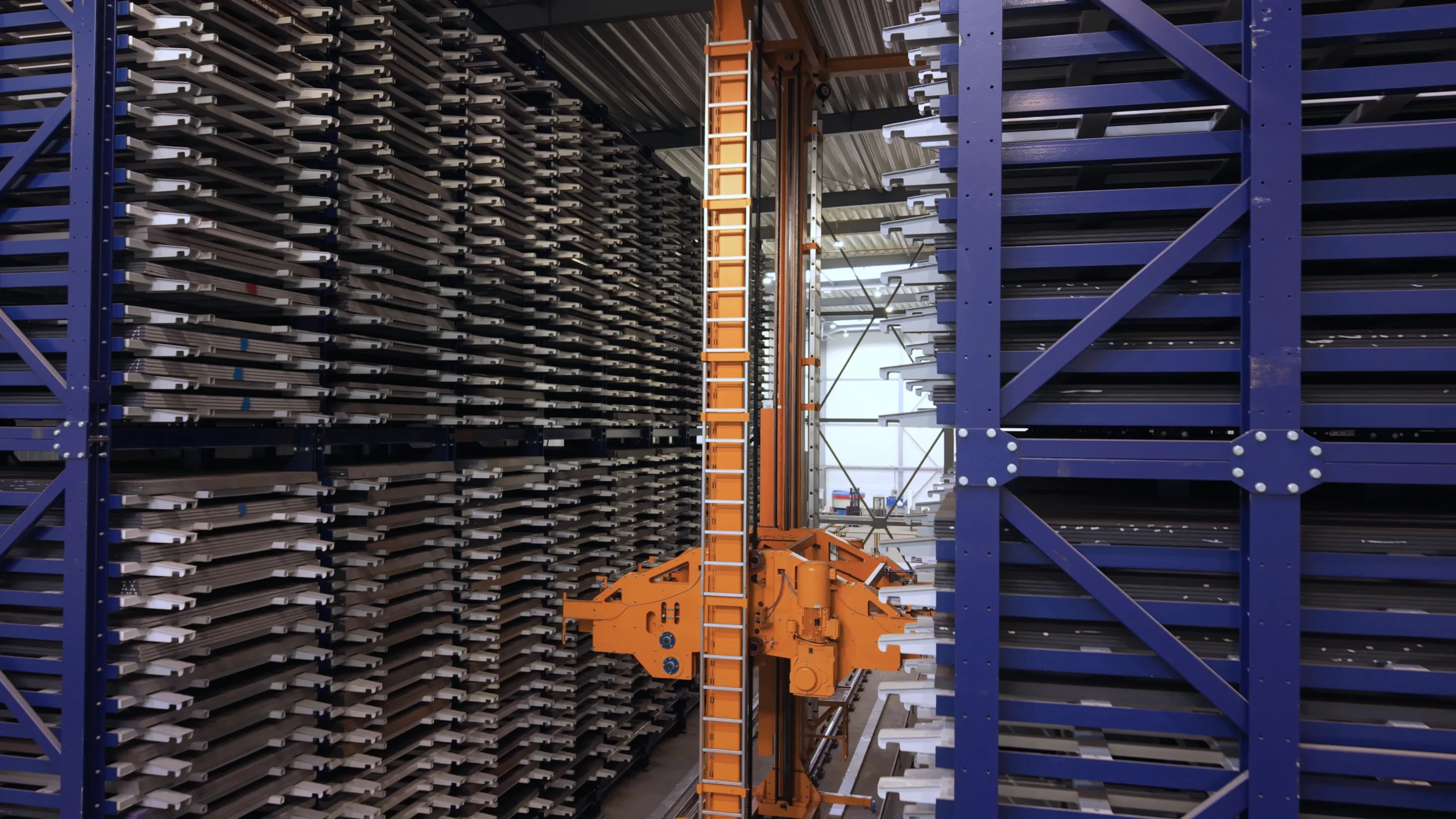
Sheet metal storage and laser automation with SmartFlow System
The second stage of automation at Metaltech-Piasecki: a sheet metal storage system with a load capacity of over 2,000 tons, connected to two Bystronic laser cut…
Our own software for managing material
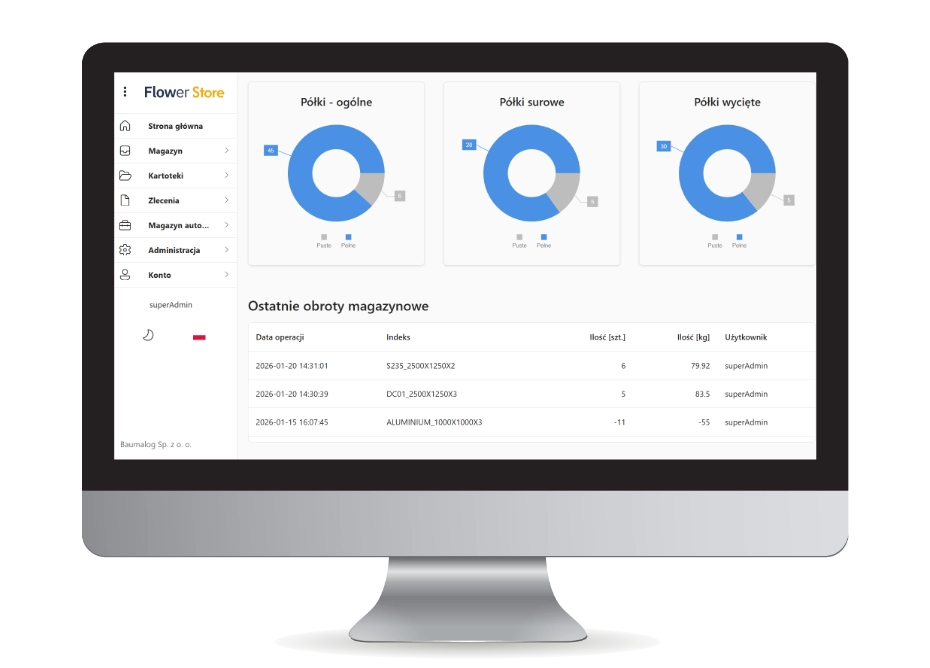
Flower Store keeps the material item master, tracks locations on the shelves and records the history of every operation. It handles sheet metal, profiles and long materials, as well as batches, certificates and usable scrap. The operator at the machine and the planner in the browser see the same stock levels.
Flower Store works well where the material is in storage, but there is no control over stock and history
In many plants, the automated storage system works fine mechanically, but knowledge about the material drifts away from reality. Stock levels are kept in spreadsheets, the operator remembers the locations, and the origin of a specific sheet is hard to trace after the fact.
Sounds familiar?
Flower Store gives the automated storage system WMS logic
On its own, an automated storage system stores material; Flower Store makes it manage it. The module acts as the WMS for the automated storage system: it keeps stock levels, locations, documents, batches and operation history. Every material movement is recorded as a confirmed event, not as a note outside the system.
From the material item master to a full operation history
Flower Store takes material through five repeatable steps. Each of them ends with a confirmation recorded in the system, so the stock levels match what is actually on the shelves.
Material item master
The item master describes what the plant has available at all: grades, formats, thicknesses and units of measure. It is a shared dictionary for storage, production and external systems.
Receiving material
The delivery goes into the system together with its quantity, batch and certificate. From that moment, the material has its own identifier instead of being an anonymous sheet in a stack.
Storage location
The system indicates which shelf the material is put on and remembers that place. The operator does not search for the sheet; they get a specific location.
Storage operation
Issue, transfer, return and recording of usable scrap are carried out as confirmed operations. Stock levels update at the moment of execution, not during later reconciliation.
History and traceability
Every event is recorded. You can trace which delivery the material came from, who took it and which order it went to.
Everything a storage system needs to stay in control of material
Flower Store acts as the WMS for the automated storage system, providing control over stock levels, locations, documents, batches and operation history.
Stock levels
The current quantity of material broken down by grade, format and thickness. Stock is counted in pieces, kilograms or meters, depending on how the plant accounts for the material.
Locations and shelves
Assigning material to specific shelves and places in the automated storage system, as well as to selected locations outside the system.
Batches, certificates and heats
Linking sheets to material documentation so that the origin of material can be proven even after production is finished.
Storage documents
Recording receipts, issues and transfers together with documents that organize the flow of material between storage, production and the office.
Material reservations
Locking material for a specific order so that a planned sheet is not taken for another job.
Operation history
A full record of events for every sheet and every shelf, available without relying on operators' memory.
The same data on the shop floor and in the office
The operator works on an industrial panel at the storage system, while the planner, manager and administrator use the same data through a browser. Information is available where the work is done and where it is planned or supervised.
Who works with Flower Store?
Flower Store does not work in isolation from the rest of the system
The module is part of the Flower platform and exchanges data both with the other modules and with the customer's IT systems. This means the material described in storage is the same material that production and the ERP see.
Flower Link: the customer's IT systems
Link transfers orders, material data and confirmations between Flower Store and the customer's ERP, MES or WMS, without manual retyping of data.
Flower Pro: laser production
Pro plans laser production and uses Flower Store information about material availability and its location in storage.
Flower Pick: sheet picking
Pick builds mixed stacks from material managed in Flower Store and reports back what was taken from storage.
Data exchange
REST API, XML and JSON files, SQL queries and dedicated adapters make it possible to connect storage with ERP, MES, WMS and CAD/CAM.
The overview below shows what Flower Store is responsible for and what the other modules of the platform do:
| Flower Store is responsible for | Flower Store does not cover |
|---|---|
| Stock levels, locations and material history | Laser production planning: this is the scope of Flower Pro |
| Batches, certificates and traceability | Replacing the customer's ERP, MES or WMS |
| Documents and storage operations | Building mixed picking stacks: this is the scope of Flower Pick |
| Material reservations for orders | Direct integration with customer systems: this is the scope of Flower Link |
See our realizacje
Flower Store works in automated storage systems of various sizes: see selected projects.
The second stage of automation at Metaltech-Piasecki: a sheet metal storage system with a load capacity of over 2,000 tons, connected to two Bystronic laser cut…
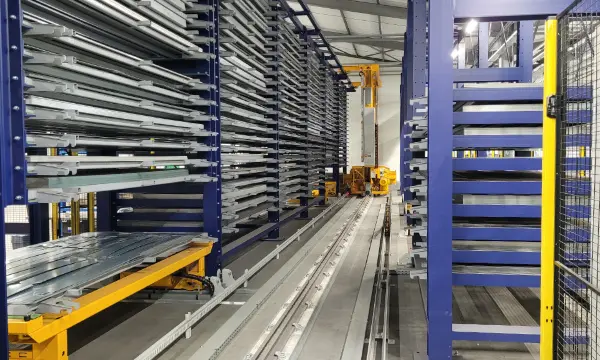
SmartFlow System serving two TRUMPF laser cutters with a MultiTower automated storage system at Netecs.
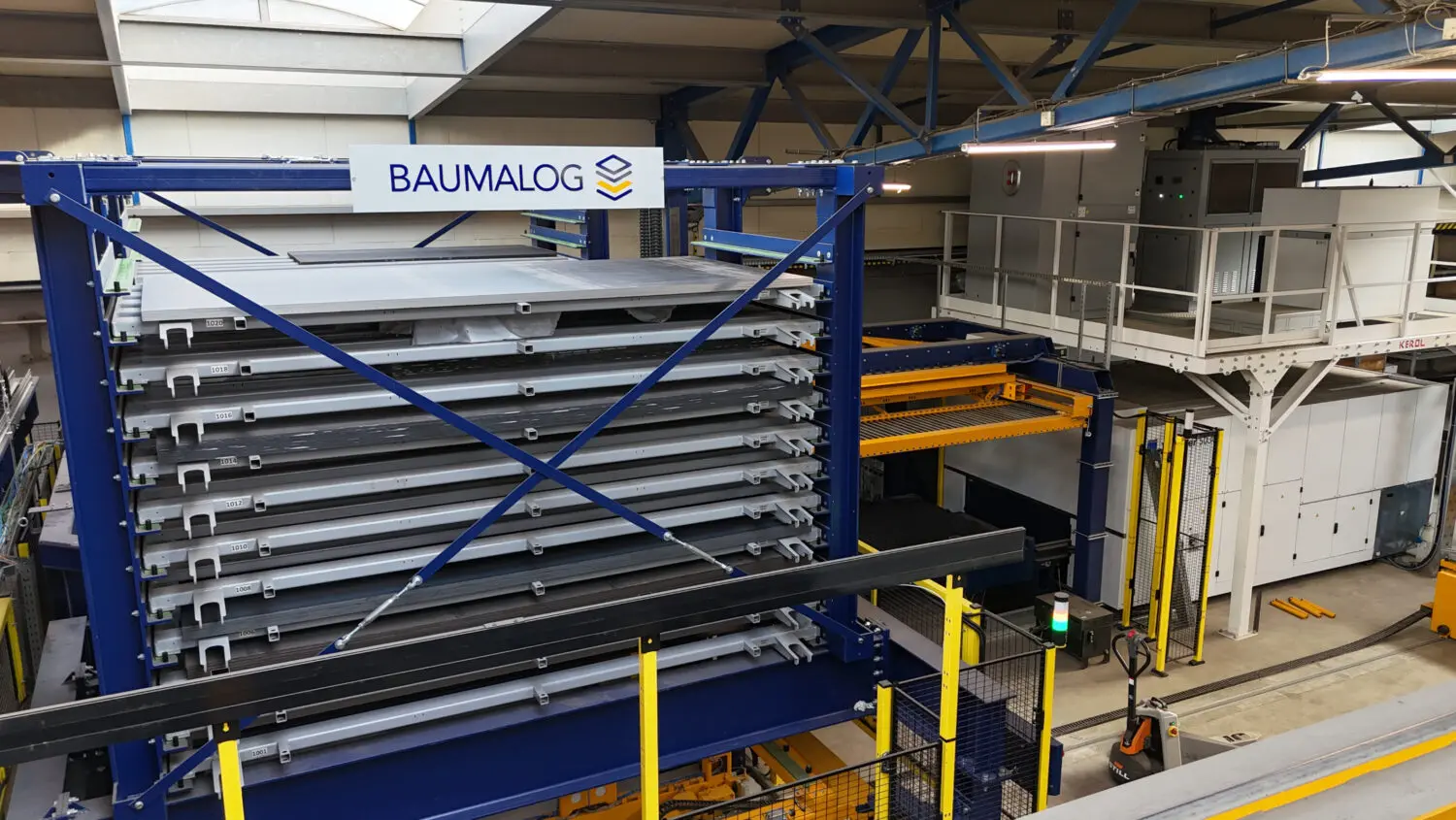
Automation of two TRUMPF laser cutters using Loader 3015 and MultiLoader systems with a TwinTower automated storage system at Marbo Sport.
We design and implement systems for Industry 4.0
"Our systems support companies on their path of development in the digital revolution. Each of our solutions connects the physical functionality of machines with the virtual space, enabling simple, fast and efficient operation."

Marcin Kozłowski
President of the Management Board, Baumalog
Tell us about your process
We will select a solution tailored to your production.
160+ installations
Trusted by manufacturing plants across Europe.